 Cuepoint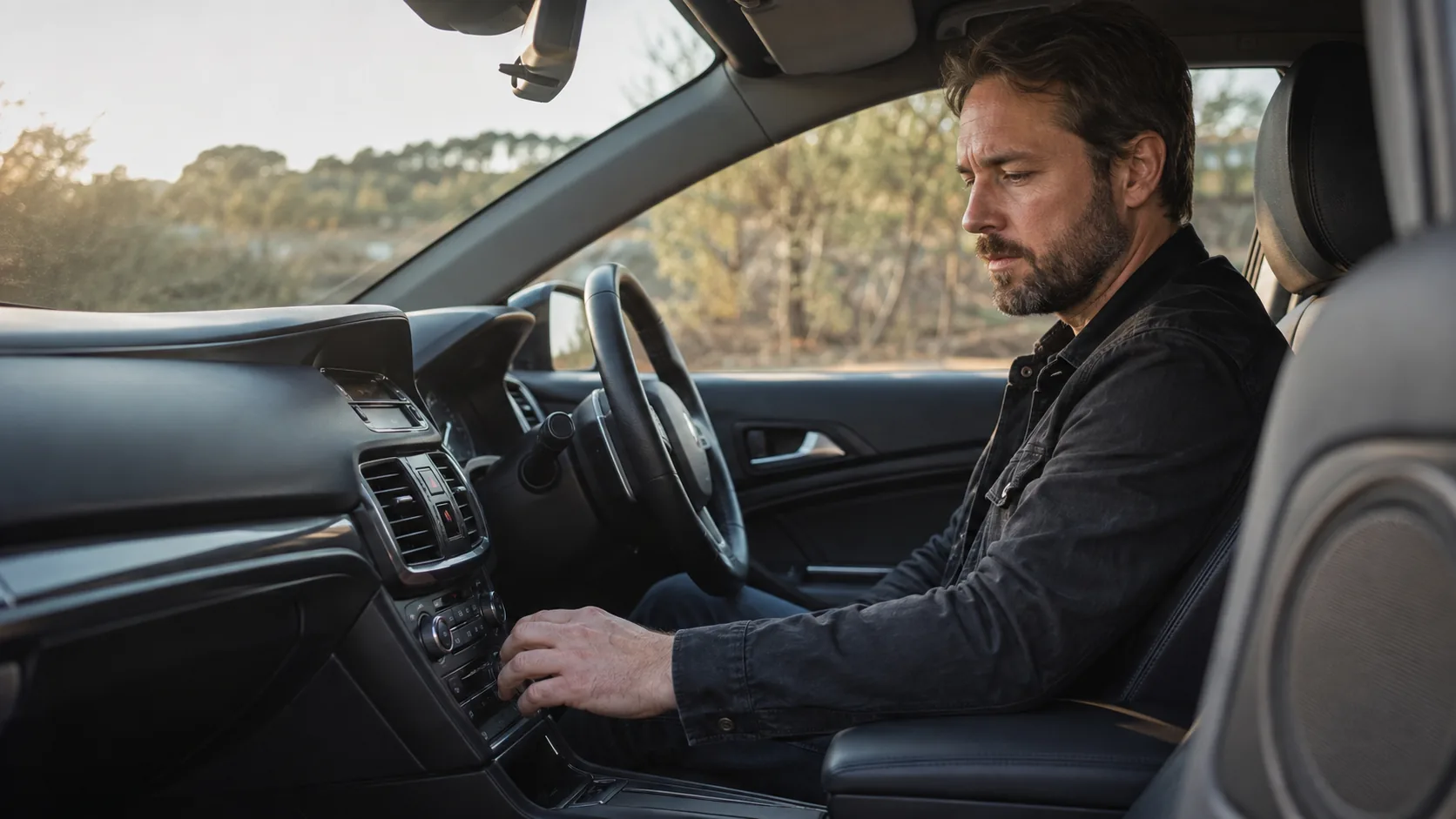
The car changes the listening conditions
Car speakers sit in doors, dashboards, and pillars rather than forming a symmetrical studio triangle. Glass and hard surfaces create reflections, the cabin reinforces some low frequencies, and each vehicle has its own playback tuning. Driving adds broadband road and engine noise.
The result is not simply “worse” monitoring. It is a different system in a different space, often at a different listening level. Familiarity makes that system useful: you already know how commercial records behave there.
Do not write “bad in the car”
Capture the specific failure while it is audible. Note the time and the consequence:
- The lead vocal disappears when the full chorus enters.
- Some bass notes dominate while others nearly vanish.
- The snare or upper mids become tiring at normal driving level.
- The verse feels quiet after raising the volume for the chorus.
- A wide part loses impact from the driving position.
One observation creates a useful studio question. A general verdict encourages random processing.
Compare a familiar reference
Play one or two well-known tracks at a similar perceived level. Choose references with a related arrangement or low-end role, not only a favorite master. The goal is to understand the car, not to copy another record.
If every reference has more bass than expected, the car may be emphasizing that region. If only your mix loses the vocal during dense sections, the issue is more likely to be a relationship inside the mix.
Check level before tone
Road noise often leads people to turn the system up. At a higher level, bass and treble can become more apparent and harsh elements can become tiring. When you return to the studio, recreate the comparison at a controlled, comfortable level before reaching for EQ.
Also compare the revision and reference at similar perceived loudness. A louder master can appear more stable and detailed during a quick switch even when its tonal balance is not the answer for your song.
Turn the observation into a studio test
Start with the exact section that failed, then listen through the surrounding transition. If the vocal disappears, check its relationship with guitars, synths, cymbals, and ambience. If the bass is inconsistent, inspect the notes, arrangement, dynamics, and monitoring position before applying a broad correction.
Preview a small change, bypass it, and then hear the whole track. The best solution may be automation, arrangement, dynamics, EQ, or no change at all if the observation does not repeat elsewhere.
Use more than one real listening system
No single car represents phones, headphones, clubs, living rooms, or other vehicles. Translation improves when a decision survives several familiar systems without forcing the mix to sound identical on all of them.
Keep notes consistent across those checks. Record the system, the timestamp, what changed, and how important it is. Patterns are more useful than isolated surprises.
Cuepoint helps investigate; it does not simulate a car
Cuepoint Listening Tools provide an attenuation-only loudness preview and a four-band diagnostic EQ for supported standalone tracks. They can help test whether a level or frequency area relates to the note you captured.
They do not simulate a car, speaker, room, codec, or complete playback chain, and they do not replace listening in the real vehicle. The preview is non-destructive and browser-local; the original audio remains untouched. Use the real car to find the question and the studio tools to investigate it.
Bring a focused question back to the studio.
Keep translation notes beside the audio and investigate them without changing the original.
Start free