 Cuepoint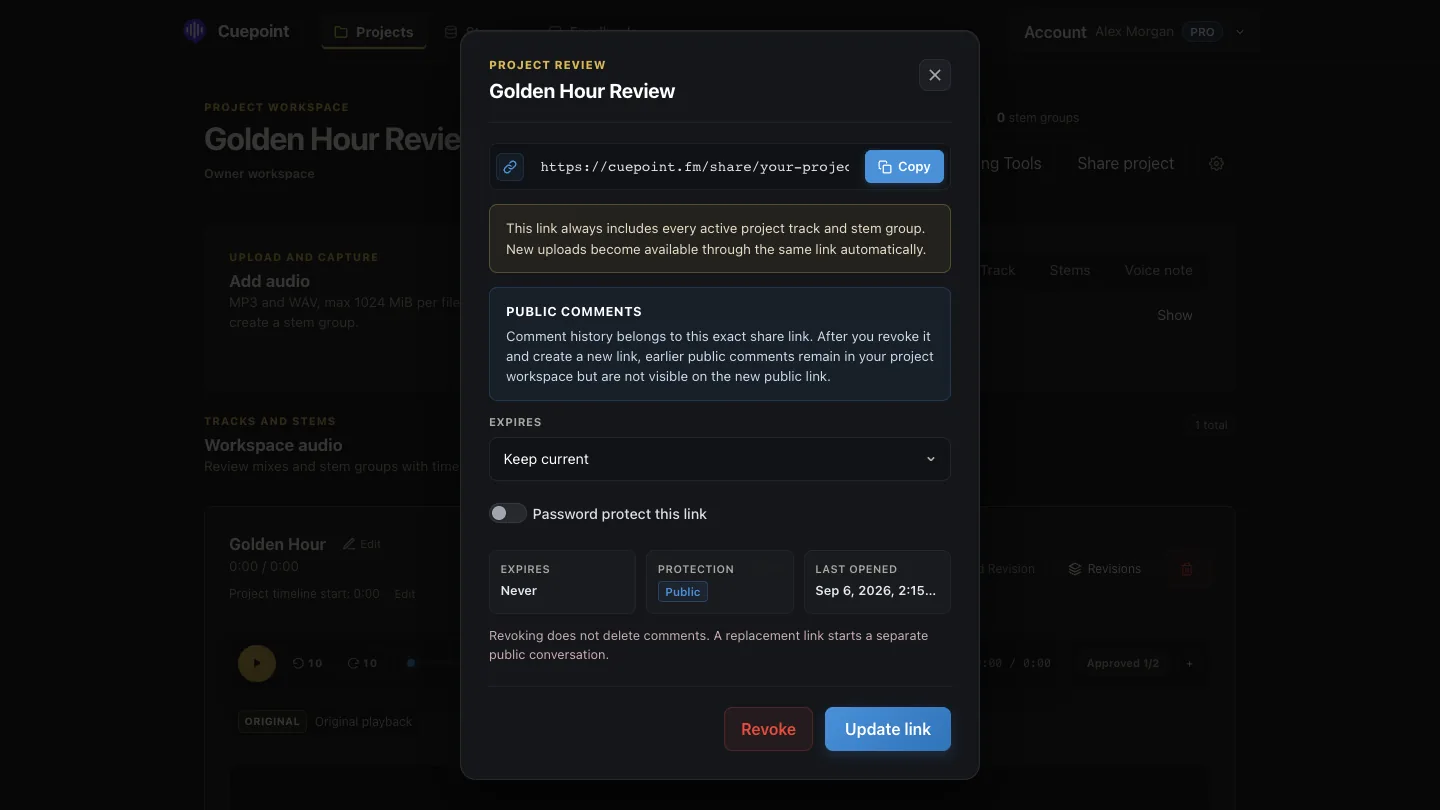
Prepare the version before sending it
Listen to the complete export, confirm that the file opens correctly, and check that its start, end, and channel layout match the intended review. Remove obsolete bounces from the active handoff. The client should never have to ask which file to hear first.
Use a recognizable track title and version number. If the level is intentionally not final, say so. A reviewer who expects a mastered presentation may otherwise turn a creative review into a loudness discussion.
Choose the lowest-friction listening experience
Most clients do not need access to your production session. They need reliable playback, a clear title, and a simple way to respond. A browser review avoids software installation and keeps attention on the audio rather than on downloading, locating, and reopening a file.
Test the link in a private browser window before sending it. Confirm that the correct audio is available and that any password or expiry behaves as expected.
Write a short review brief
The message around the link shapes the feedback. Include the version, the important changes, the listening question, and the requested next step.
This is clearer than sending a bare URL, but short enough to read before listening.
Ask clients to point to the sound
Let clients use normal language. They do not need to identify a compressor setting or frequency band. Ask for a timestamp, what they hear, and what they want the moment to feel like.
“0:56 — when the chorus opens, the backing vocals pull my attention from the lead. Can the lyric remain the focus?”
The mixer receives a precise problem without being forced into a prescribed solution.
Protect the review when necessary
Not every work in progress needs a password, but unreleased music and confidential client material deserve deliberate handling. Use an unguessable link, add password protection when the project requires it, and set an expiry when access should end after the review.
Do not place sensitive project details in the invitation. Share only what the reviewer needs, and revoke access when the handoff is no longer active.
Keep the next version in the same conversation
When the revision is ready, do not restart through a fresh attachment and an empty email thread. Explain what changed, keep earlier feedback available, and ask the client to verify the remaining decisions.
Cuepoint Pro can create a public preview for an individual track, a stem group, or a project. Guests can play the current audio and leave timestamped comments without entering the internal workspace. Links can use optional password protection and expiry, while the project retains the revision and review context.
Send one focused review link.
Make the mix, the feedback, and the next decision clear in Cuepoint.
Start free